
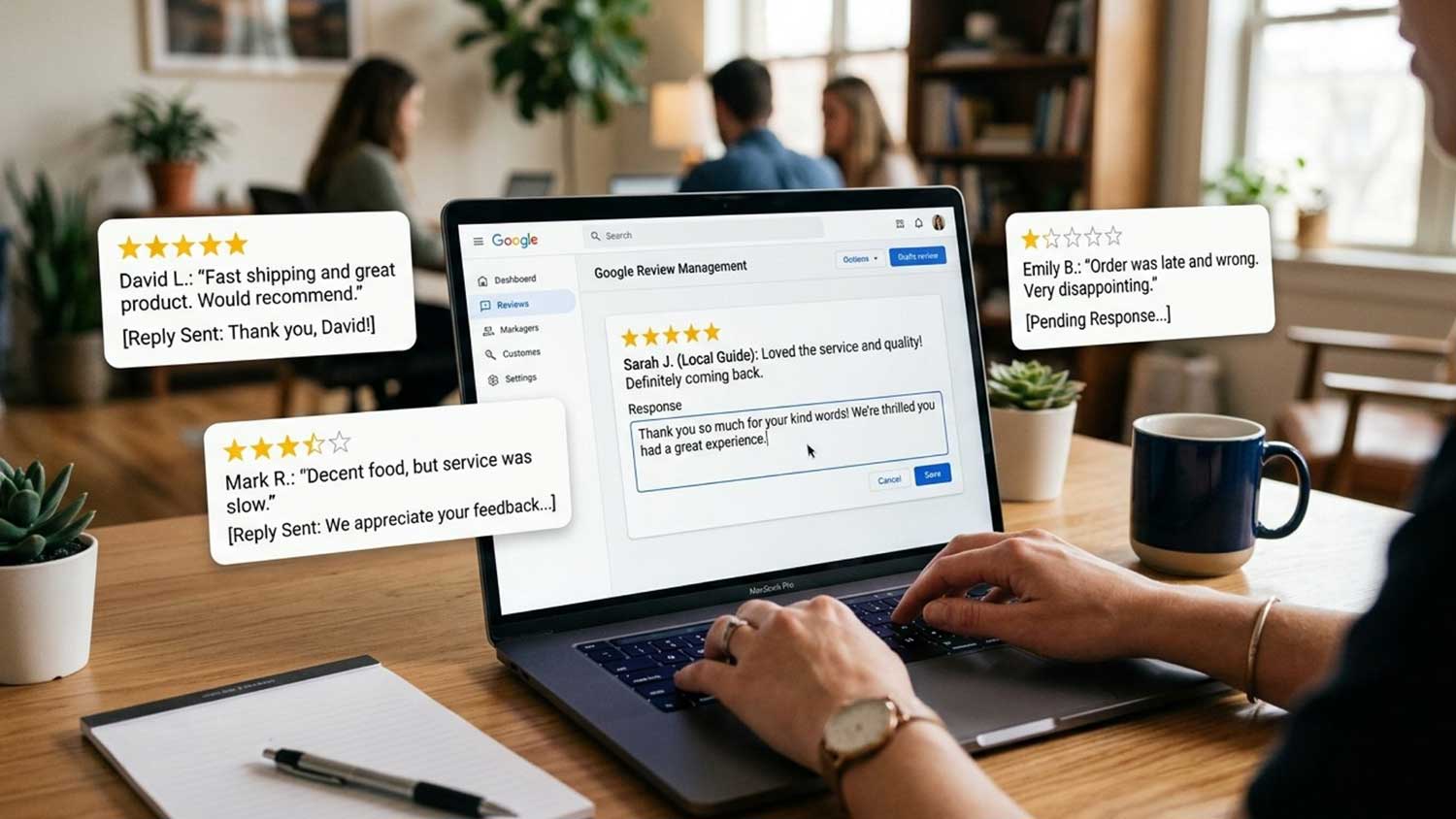
Every reply you post on your Google Business Profile is public and can influence future customers. Many businesses know they should respond to Google reviews, but they often struggle with what to say when a customer leaves a five-star rating without details or shares negative feedback.
This blog explains why responses matter, how to structure an effective reply, and provides ready-to-use Google review response templates for different situations. A strong response should be timely, personal, and professional. Focus on acknowledging the customer, addressing their feedback, and maintaining a helpful tone throughout every interaction.
Why Does Responding to Google Reviews Matter?
Responding to Google reviews takes only a few minutes, but your replies can influence how customers view your business for years. Your responses appear directly below customer feedback, giving future customers insight into how your business communicates, handles concerns, and values customer experiences.
Builds Trust Before Customers Choose Your Business
Customers consider your responses alongside your overall rating when deciding where to spend their money.
Thoughtful replies show that you read what customers write and treat their experiences as worth your time. Professional responses help potential customers feel more confident about contacting your business because they can see how you handle both positive and negative feedback.
Ignoring reviews can make your business appear less responsive. That impression costs you more than customer perception alone, because your reply activity also shapes how easily new customers find you.
Improves Local Visibility and Customer Discovery
Your Google Business Profile activity gives search platforms more information about your business.
Review volume, recency, and engagement can influence how your profile appears in local search results. Responding to Google business reviews can also provide additional context about your services, location, and customer experience.
Consistent responses to Google customer reviews help search platforms and AI tools better understand your business when creating summaries and recommendations. Visibility only helps when what customers find reflects well on you, which makes your handling of criticism especially important.
Protects Your Reputation During Negative Feedback
A thoughtful response can help address concerns and signal accountability to anyone reading your profile.
Clear replies allow you to acknowledge issues, correct misunderstandings, and show that your team takes responsibility. Leaving negative feedback unanswered allows a single complaint to shape how potential customers view your brand.
What Is the 4-Part Google Review Response Framework?
An effective Google review response follows a simple four-step process that helps businesses create clear, professional, and personalized replies. This framework works across industries and helps you respond consistently to different types of Google reviews for business.
Step 1: Thank or Acknowledge
Begin with appreciation for positive feedback or acknowledgment of concerns in negative reviews. A simple “Thank you, Sarah” shows gratitude, while “We’re sorry to hear about your experience, Mike” recognizes the customer’s concern.
Respond within 24 to 48 hours whenever possible, and address urgent complaints faster. Starting with the customer’s experience creates a more helpful conversation than immediately promoting your business.
Step 2: Personalize With Specifics
Include details that show you read the customer’s feedback. Mention a specific service, experience, team member, or result they shared.
For example, referencing a customer’s comment about a completed project or a team member’s support makes the reply feel genuine. A personalized response feels more authentic than a generic message and helps your business build stronger relationships.
Step 3: Address the Feedback
Respond directly to the points customers mention in their reviews.
For positive feedback, reinforce the parts of the experience they appreciated so future readers understand your strengths. For negative feedback, acknowledge the concern, explain the next steps, and avoid becoming defensive.
Step 4: Invite Future Engagement
Close your response with a clear next step or invitation.
Encourage satisfied customers to return and continue their relationship with your business. For unhappy customers, provide a direct contact method so your team can resolve the concern privately.
A helpful closing shows that your business values long-term relationships beyond a single review.
A Note on Professional Boundaries
Keep every response professional and avoid sharing private customer details, arguing publicly, or discussing sensitive matters in the review section. These limits apply to all four steps, no matter what rating you are replying to.
With the structure in place, the next section applies it to the review types you will encounter most.
What Are the Best Templates for Positive Google Reviews?
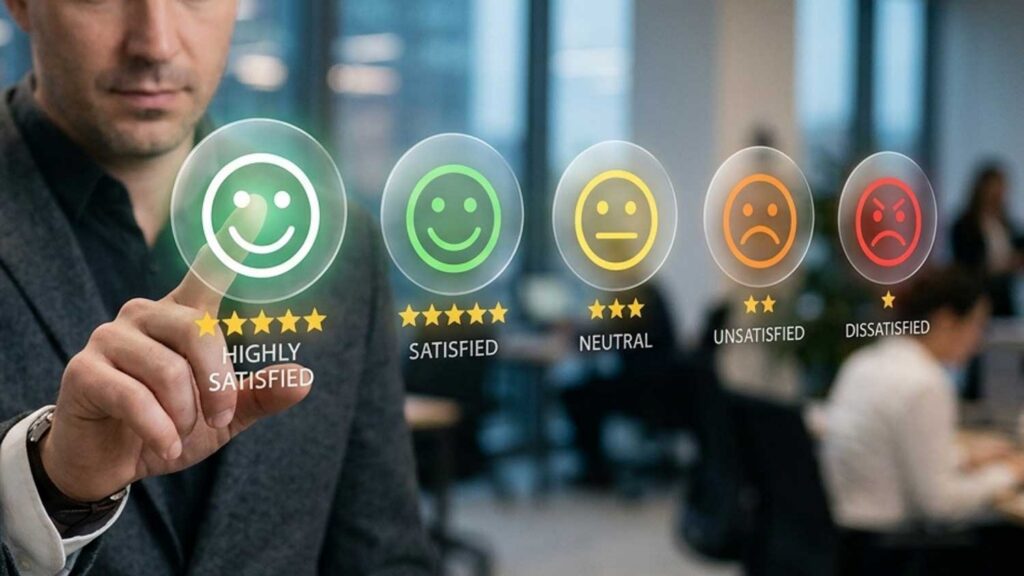
Use these examples as starting points for different review situations. Adjust the wording based on the customer’s rating, feedback, and experience so each reply feels natural.
5-Star Review With Detail
“Thank you, [Name]! We’re thrilled to hear that you loved [specific detail they mentioned]. Providing this level of service is always our goal, and we appreciate you taking the time to share your experience. We’d be happy to work with you again anytime!”
5-Star Review With No Detail
“Thank you, [Name]! We’re glad you had a great experience with [service/team member]. We appreciate your support and look forward to helping you again in the future!”
4-Star Review With Constructive Feedback
“Thank you, [Name], for sharing your feedback about [specific detail]. We’re glad you had a positive experience, and we appreciate your suggestions as we continue improving. We hope to serve you again soon!”
Four-star reviews still deserve a thoughtful response. Acknowledge what the customer appreciated, recognize areas for improvement, and avoid asking customers to change their rating. A genuine response builds more trust than a request for a higher score.
Positive Review That Mentions a Team Member
“Thank you, [Name]! We’re happy to hear that [Team Member] helped make your experience with [specific service] a great one. We’ll share your kind words with them because our team values feedback like this. We look forward to welcoming you back!”
What Are the Best Templates for Negative Google Reviews?
Negative reviews call for calm, resolution-focused replies rather than rebuttals, and the templates below model that approach across the most common complaint types.
One or Two Stars, Service Issue
“We’re sorry to hear that your experience did not meet your expectations, [Name]. We take your feedback seriously and would appreciate the opportunity to address your concerns. Please contact [Name] directly at [phone] so we can discuss this further and work toward a solution.”
One or Two Stars, Pricing Complaint
“Thank you for sharing your feedback, [Name]. We understand that pricing plays an important role in every decision, and we work hard to provide clear value through our services. If you would like to discuss your concerns further, please contact [Name] at [email/phone].”
Avoid defending your pricing point by point in a public reply. A detailed explanation can make the conversation feel argumentative and shift attention away from resolving the customer’s concern.
Three Stars, Mixed Feedback
“Thank you for your honest feedback, [Name]. We’re glad you appreciated [positive detail], and we’re sorry that [issue] did not meet your expectations. We value your input and would welcome the chance to improve your experience. Please contact [Name] at [phone] so we can help.”
Unfair or Inaccurate Review
“We’re sorry to hear about your concerns, [Name]. We review all feedback carefully, but we could not find any record of your experience with our business. Please contact [Name] at [phone] so we can learn more and look into this further.”
Only mention reporting a review if you have actually submitted a report. If a review violates Google’s content policies instead of describing a genuine customer experience, follow the proper reporting process. A professional response can protect your reputation while you address the issue through the appropriate channel.
Not every review fits these categories, and a few situations call for a different approach entirely.
How Should You Handle Special Review Scenarios?
Some Google business reviews require a different approach than standard positive or negative feedback. These situations need careful responses that protect your reputation and demonstrate to readers who have not chosen you yet that your business handles every type of feedback professionally.
Star Ratings With No Written Review
“Thank you for the rating, [Name]! We appreciate your support and hope to serve you again soon.”
A rating without written feedback still deserves a response. Replying to these reviews shows consistency across your profile and helps customers see that your business values every interaction.
Fake or Spam Reviews
“We could not find any record of this experience and believe this review may not reflect a genuine customer interaction. If you are a customer, please contact [Name] at [phone] so we can learn more.”
Handle fake or spam reviews in two steps: respond publicly and report the review through the proper channel. A public reply helps protect your reputation, while a report allows Google to review whether the content violates its policies. When a review qualifies for removal, our negative review removal service handles the formal process.
Angry or Threatening Language
Respond once with a calm and professional message that invites a private conversation. Avoid matching the reviewer’s tone, posting multiple replies, or arguing in the review thread.
A thoughtful response gives potential customers confidence that your business stays composed during difficult situations and knows how to handle concerns properly.
Following Up After a Resolved Complaint
“Thank you for giving us the opportunity to make this right, [Name]. We’re glad we could resolve [issue] and appreciate your patience throughout the process. We value your business and hope to serve you again.”
Update your original response after resolving the issue instead of adding a new comment. A follow-up signals to anyone reading that your business addresses concerns and works toward solutions.
How Can Agencies and Multi-Location Brands Build a Review Response System?
For a single location, responding to Google reviews can become a simple routine. For businesses with multiple locations, it requires clear ownership, consistent standards, and a system that keeps every profile active and professional.
Assign Ownership and Set Response SLAs
Assign a person or team at each location to monitor and respond to reviews.
Apply the response window from the framework above as a formal goal, with faster action for one- and two-star reviews. Create an escalation process for reviews involving safety concerns, legal issues, or complaints involving specific employees.
Use Templates Without Sounding Automated
Create a response library that covers common situations within your industry.
Use templates as a foundation, but require each response to include the reviewer’s name and relevant details from their feedback before publishing. Update opening lines regularly so customers do not see identical replies across different locations.
Track Results and Improve Your Process
Record how your team resolves negative reviews and identify patterns that point to fixable problems, such as recurring wait-time complaints, inconsistent service across shifts, or gaps in staff training.
Track response rate, average response time, customer sentiment, and local search performance to measure progress. Review your templates regularly and remove responses that no longer match your brand voice or customer expectations.
Turn Review Responses Into Review Growth
Responding to Google reviews helps protect your current reputation, but it does not automatically create a stronger review profile. A business with thoughtful replies can still lose visibility to competitors with a larger volume of recent customer feedback.
Review quality and review volume work together. Your responses show customers that you value feedback, while your overall review history builds trust and gives search platforms more context about your business. A consistent approach helps businesses create stronger momentum over time.
Once your response process is established, the next step is building a stronger review profile through ongoing customer engagement. Businesses looking for support with review growth can contact Buy Google Reviews to learn how its Google review posting service can support their reputation strategy.
For businesses that prefer an organic approach, our guide on how to get more Google reviews covers practical methods for encouraging genuine customer feedback.
Frequently Asked Questions
How long should you wait to respond to a Google review?
Respond within 24 to 48 hours after a customer leaves a review. Address negative Google reviews as quickly as possible, ideally on the same day, because unanswered complaints can influence how future customers view your business.
Can you edit a Google review response after posting it?
Yes. You can edit your reply through your Google Business Profile. Updating your response allows you to add a follow-up after resolving a concern and shows customers that your business took action.
Should you respond to every Google review?
Yes. Responding to every review shows that your business values customer feedback. Replying only to positive reviews can make your profile appear less engaged, especially when customers see unanswered complaints.
What should you avoid saying in a Google review response?
Avoid arguing with reviewers, sharing private customer information, offering compensation publicly, or asking customers to change their ratings. These actions can damage trust and make the conversation look unprofessional to future customers.
Does responding to Google reviews help SEO?
Responding to Google reviews can support local visibility by creating more engagement around your business profile. Your replies also provide additional context about your services and location, which helps search platforms and AI tools better understand your business.
Businesses that manage Google reviews for services consistently can also strengthen their online presence by creating a more complete and active business profile.